The gaming monitor market offers an overwhelming array of options, but budget-conscious gamers often wonder whether
their $300 budget stretches far enough for quality displays. The answer in 2026 is definitively yes—competitive
gaming monitors with high refresh rates, low response times, and respectable color accuracy now fall well within
this price range. The question becomes which resolution, panel type, and feature set provides the best value for
your specific gaming needs.
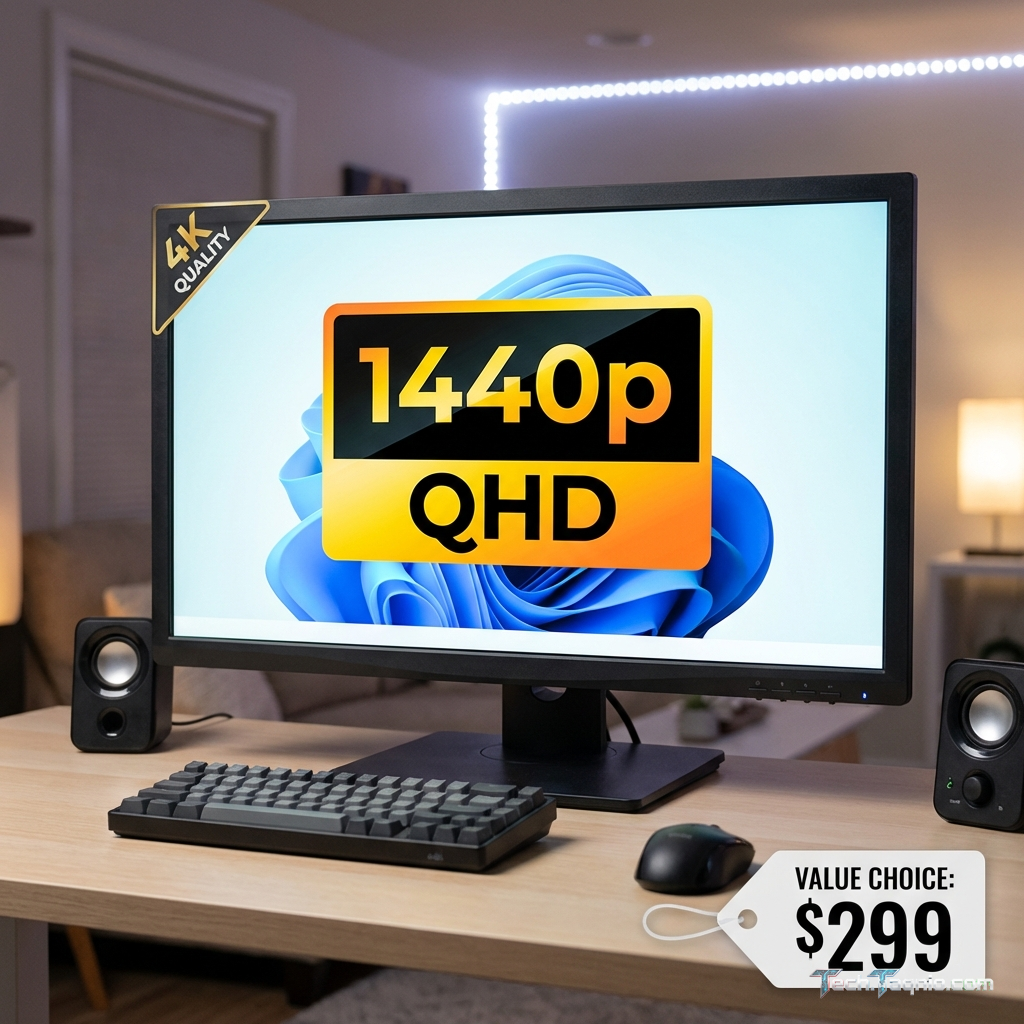
The $300 price point creates an interesting decision: choose a premium 1080p monitor with maximum specifications, or
stretch into entry-level 1440p territory with potentially fewer features. Both approaches serve legitimate gaming
needs, and understanding the trade-offs helps make the right choice for individual situations.
This comprehensive guide examines the best gaming monitors under $300 in 2026, comparing 1080p versus 1440p options,
analyzing panel technologies, and providing specific recommendations for different gaming priorities. Whether you
prioritize competitive performance, visual immersion, or balanced versatility, you’ll find appropriate options
within this budget.
I. 1080p vs 1440p: Making the Right Choice
Resolution choice fundamentally shapes the gaming monitor experience, affecting visual clarity, GPU requirements, and
feature availability at any price point.
Understanding Resolution Differences
1080p (1920×1080) resolution has served as the gaming standard for over a decade, offering 2.07 million pixels that
modern GPUs render efficiently. At typical 24-27 inch monitor sizes, 1080p provides adequate sharpness for gaming,
though close inspection reveals individual pixels on larger displays. The lower pixel count enables high frame rates
on modest hardware, making 1080p ideal for esports gaming where performance trumps visual fidelity.
1440p (2560×1440) resolution provides 3.69 million pixels—78% more than 1080p. This increase translates to noticeably
sharper images, cleaner text, more visible fine details, and reduced aliasing. The visual improvement becomes
immediately apparent on 27-inch panels, where 1440p approaches the pixel density of 24-inch 1080p displays. However,
rendering these additional pixels requires proportionally more GPU power.
GPU Requirements and Performance
The practical impact of resolution choice depends heavily on your graphics card. A GPU delivering 144 FPS at 1080p
typically achieves only 100-110 FPS at 1440p in the same game with identical settings. This roughly 30-35%
performance reduction reflects the additional rendering workload from higher pixel counts.
For entry-level GPUs like the NVIDIA GeForce RTX 4060 or AMD Radeon RX 7600, 1080p remains the sweet spot for
high-refresh gaming. These cards comfortably exceed 144 FPS in competitive titles at 1080p, enabling full
utilization of high refresh rate monitors. Pushing 1440p on these GPUs means accepting either lower frame rates or
reduced graphics settings.
Mid-range GPUs including the RTX 4070 and RX 7800 XT handle 1440p gaming effectively, typically maintaining 100+ FPS
in esports titles and 60-80+ FPS in demanding games at high settings. If you own or plan to upgrade to hardware at
this level, 1440p monitors make sense.
Gaming Type Considerations
Your gaming preferences should influence resolution choice. Competitive esports gamers benefit most from 1080p’s
performance advantages—the highest possible frame rates and lowest latency matter more than pretty pixels when
milliseconds determine victories. Professional and semi-professional players often specifically choose 1080p for
this reason.
Single-player RPG and adventure game enthusiasts gain more from 1440p’s visual clarity. These games often run at
60-100 FPS regardless of hardware, making visual quality improvements more valuable than pure frame rate. Larger
27-inch 1440p displays provide immersive experiences appropriate for exploration and story-focused gameplay.
Mixed gaming benefits from evaluating primary usage. If competitive multiplayer occupies most gaming time, lean
toward 1080p. If you’re more focused on visual experiences with occasional competitive play, 1440p provides better
overall value.
II. Panel Technology Comparison
Modern gaming monitors use three main panel technologies, each with distinct characteristics affecting gaming
performance and visual quality.
IPS Panels
In-Plane Switching (IPS) panels offer excellent color accuracy, wide viewing angles (typically 178° horizontal and
vertical), and consistent image quality regardless of viewing position. Modern “Fast IPS” panels achieve 1ms
response times, eliminating the historical motion blur disadvantage compared to TN technology. IPS dominates the
gaming monitor market in 2026, appearing in most sub-$300 options across both resolutions.
IPS limitations include lower contrast ratios (typically 1000:1) compared to VA panels, resulting in blacks that
appear grayish rather than true black in dark environments. Some IPS panels exhibit “IPS glow”—a slight brightening
in display corners visible in dark content. These limitations rarely impact gaming significantly but affect movie
watching and dark-themed desktop usage.
VA Panels
Vertical Alignment (VA) panels offer dramatically better contrast ratios (typically 3000:1 or higher), producing
deeper blacks and more dramatic dark scenes. This contrast advantage benefits horror games, space games, and any
content with significant dark areas. Colors appear rich and saturated, though viewing angles narrow compared to IPS
technology.
VA response times traditionally lagged behind IPS, causing noticeable smearing during fast motion. Modern VA panels
have improved significantly but still don’t match the fastest IPS alternatives. VA panels suit gamers prioritizing
immersion and visual depth over competitive reaction times.
TN Panels
Twisted Nematic (TN) panels offer the fastest native response times and typically lowest prices, historically
dominating competitive gaming. However, TN’s poor viewing angles, inaccurate colors, and limited contrast have
pushed most manufacturers toward Fast IPS, which now matches TN response times while providing superior image
quality.
Few new TN monitors release in 2026, and remaining options rarely offer compelling value against similarly-priced IPS
alternatives. TN purchasing makes sense only when specific models offer features unavailable in competitively-priced
IPS options.
III. Best 1080p Gaming Monitors Under $300
The following monitors represent the best 1080p options for different gaming priorities within the $300 budget.
ASUS VG249Q3A – Best Overall 1080p
The ASUS VG249Q3A delivers a compelling combination of speed, color quality, and features at accessible pricing,
making it the top overall 1080p recommendation.
Key Specifications:
- Panel: 24″ Fast IPS, 1920×1080
- Refresh Rate: 180Hz (overclockable to 200Hz)
- Response Time: 1ms GTG, 0.1ms MPRT
- Adaptive Sync: AMD FreeSync Premium, G-Sync Compatible
- Brightness: 250 nits typical
- Contrast: 1000:1 typical
- Color: sRGB 99%
- Connectivity: 1x DisplayPort 1.4, 2x HDMI 2.0, 3.5mm audio
- Price: $169-$189
The 180Hz refresh rate exceeds the common 144Hz and 165Hz alternatives, providing marginally smoother motion for
competitive gaming. The overclockable 200Hz option pushes this further for users with GPUs capable of such high
frame rates. Fast IPS technology delivers 1ms response times without the ghosting artifacts affecting slower panels.
ASUS includes their ELMB (Extreme Low Motion Blur) technology for reduced motion blur, though this cannot operate
simultaneously with variable refresh rate. Shadow Boost enhances visibility in dark areas without washing out bright
elements—valuable for competitive gaming where spotting enemies in shadows provides advantages.
The ergonomic stand includes height, tilt, swivel, and pivot adjustment, enabling comfortable positioning regardless
of desk setup. This flexibility exceeds many competing monitors that offer only tilt adjustment.
Pros: Excellent 180Hz refresh rate, fully adjustable stand, proven ASUS quality, competitive
pricing, strong gaming features.
Cons: Average brightness for well-lit rooms, limited HDR capability (HDR10 certification but modest
implementation), speakers mediocre.
LG 24GS60F – Best Value 1080p
The LG 24GS60F provides solid gaming performance at aggressive pricing, suitable for budget-conscious buyers seeking
maximum value.
Key Specifications:
- Panel: 24″ Fast IPS, 1920×1080
- Refresh Rate: 180Hz
- Response Time: 1ms GTG
- Adaptive Sync: AMD FreeSync Premium, G-Sync Compatible
- Brightness: 300 nits typical
- Contrast: 1000:1 typical
- Color: sRGB 99%, DCI-P3 95%
- Connectivity: 1x DisplayPort 1.4, 2x HDMI 2.0
- Price: $139-$159
LG’s variant matches the ASUS on core specifications while undercutting the price by $30-$40. The slightly brighter
panel (300 vs 250 nits) provides marginally better visibility in bright environments. DCI-P3 coverage adds value for
users working with wide-gamut content alongside gaming.
The stand offers tilt adjustment only—no height, swivel, or pivot. Users requiring ergonomic adjustment need
aftermarket monitor arms, adding cost that may eliminate the value advantage. The simpler stand reduces packaging
and weight, contributing to the lower price.
Pros: Aggressive pricing, bright panel, wide color gamut, LG reliability, essential gaming features
intact.
Cons: Limited stand adjustment, no speakers, minimal extra features, build quality reflects pricing.
Alienware AW2524HF – Best Premium 1080p
The Alienware AW2524HF pushes 1080p gaming to extremes with a 500Hz refresh rate targeting professional esports
players, though the $399 MSRP often drops below $300 during sales.
Key Specifications:
- Panel: 24.5″ Fast IPS, 1920×1080
- Refresh Rate: 500Hz
- Response Time: 0.5ms GTG
- Adaptive Sync: NVIDIA G-Sync Compatible, AMD FreeSync Premium
- Brightness: 400 nits typical
- Contrast: 1000:1 typical
- Color: sRGB 99%
- Connectivity: 1x DisplayPort 1.4, 2x HDMI 2.1
- Price: $399 MSRP, frequently $279-$299 on sale
The 500Hz refresh rate represents the current maximum available in commercial monitors. While requiring extreme GPU
power to fully utilize, this specification provides meaningful advantages in competitive gaming where every fraction
of a frame matters. The ultra-low 0.5ms response time eliminates essentially all motion blur.
HDMI 2.1 connectivity supports current-generation consoles at their maximum specifications, adding versatility for
users gaming across PC and console platforms. The height-adjustable stand with premium build quality reflects
Alienware’s premium positioning.
Pros: Ultimate competitive performance, premium build quality, excellent connectivity, future-proof
specifications.
Cons: Premium pricing (unless on sale), excessive for most gamers, requires extreme hardware to
fully utilize, glossier coating than competitors.
IV. Best 1440p Gaming Monitors Under $300
The $300 budget enables entry into 1440p gaming with monitors offering meaningful improvements over 1080p options
while maintaining competitive gaming capability.
Gigabyte M27Q X (2nd Gen) – Best Overall 1440p
The Gigabyte M27Q X balances high refresh rates with 1440p resolution at compelling pricing, earning our top 1440p
recommendation.
Key Specifications:
- Panel: 27″ Fast IPS, 2560×1440
- Refresh Rate: 240Hz
- Response Time: 1ms GTG
- Adaptive Sync: AMD FreeSync Premium Pro, G-Sync Compatible
- Brightness: 350 nits typical, 400 nits HDR
- Contrast: 1000:1 typical
- Color: DCI-P3 92%, sRGB 123%
- Connectivity: 1x DisplayPort 1.4, 2x HDMI 2.0, USB-C (15W), KVM switch
- Price: $279-$319
Gigabyte packs impressive specifications into this package—240Hz at 1440p provides competitive gaming capability on
sharper displays than 1080p alternatives. The KVM switch simplifies workspace switching between gaming PC and laptop
or secondary computer, adding practical value beyond gaming specifications.
The USB-C connectivity with 15W charging handles laptop connectivity and light charging duties, though the power
delivery falls short for heavy laptop usage. The wide DCI-P3 color gamut enhances visual impact in games and
creative work.
FreeSync Premium Pro certification includes HDR support, though the modest brightness and contrast limits meaningful
HDR impact compared to premium displays. However, any HDR capability at this price point adds value.
Pros: Impressive 240Hz at 1440p, KVM switch functionality, USB-C connectivity, wide color gamut,
strong overall value.
Cons: HDR implementation modest despite certification, default calibration may require adjustment,
BGR subpixel layout may affect text clarity.
LG 27GR83Q-B – Best Image Quality 1440p
The LG 27GR83Q-B prioritizes image quality alongside gaming performance, delivering richer visuals than many
gaming-focused competitors.
Key Specifications:
- Panel: 27″ Nano IPS Black, 2560×1440
- Refresh Rate: 240Hz
- Response Time: 1ms GTG
- Adaptive Sync: AMD FreeSync Premium, G-Sync Compatible
- Brightness: 350 nits typical
- Contrast: 2000:1 typical
- Color: DCI-P3 98%, sRGB 135%
- Connectivity: 1x DisplayPort 1.4, 2x HDMI 2.1
- Price: $349-$399 MSRP, often $279-$299 on sale
LG’s Nano IPS Black technology doubles typical IPS contrast ratios to approximately 2000:1, providing noticeably
deeper blacks and more dramatic dark scenes. This improvement bridges the gap between IPS color accuracy and VA
contrast performance, offering a compelling combination largely unique to LG.
The near-complete DCI-P3 coverage (98%) exceeds most gaming monitors, benefiting both games designed for wide gamut
displays and creative work requiring accurate color reproduction. HDMI 2.1 provides full console compatibility at
120Hz.
Pros: Exceptional contrast for IPS, outstanding color gamut, HDMI 2.1, 240Hz gaming capability,
premium LG engineering.
Cons: MSRP exceeds $300 (sale pricing required), no USB-C connectivity, stand offers limited
adjustment.
ASUS VG27AQ1A – Best Value 1440p
The ASUS VG27AQ1A provides reliable 1440p gaming performance at the most accessible pricing in the category.
Key Specifications:
- Panel: 27″ IPS, 2560×1440
- Refresh Rate: 170Hz
- Response Time: 1ms MPRT
- Adaptive Sync: AMD FreeSync, G-Sync Compatible
- Brightness: 350 nits typical
- Contrast: 1000:1 typical
- Color: sRGB 99%
- Connectivity: 1x DisplayPort 1.2, 2x HDMI 2.0
- Price: $219-$249
The 170Hz refresh rate slightly exceeds the common 165Hz specification, while the aggressive pricing makes 1440p
accessible for budget-conscious gamers. ASUS’s proven quality and reliability add value beyond raw specifications.
The fully ergonomic stand includes height, tilt, swivel, and pivot adjustment—surprising at this price point where
simpler stands are common. This flexibility ensures comfortable viewing regardless of desk configuration.
Pros: Aggressive pricing, fully adjustable stand, proven ASUS quality, reliable gaming performance.
Cons: Lower refresh rate than premium alternatives, basic connectivity, limited HDR, older panel
generation.
V. Feature Comparison Chart
VI. Recommendations by Use Case
For competitive esports: The ASUS VG249Q3A provides the best balance of speed and value for serious
1080p competitive gaming. Those with larger budgets and extreme performance needs benefit from the Alienware
AW2524HF’s 500Hz capability when on sale.
For tight budgets: The LG 24GS60F delivers essential gaming performance at minimum pricing, suitable
when every dollar matters. The ASUS VG27AQ1A provides budget 1440p access for those with slightly higher GPU
capability.
For balanced gaming: The Gigabyte M27Q X offers the best overall package, combining 1440p clarity
with 240Hz speed, practical features like KVM switching, and reasonable pricing.
For visual quality focus: The LG 27GR83Q-B’s superior contrast and color accuracy suit gamers
prioritizing image quality, particularly for single-player and immersive gaming experiences.
VII. Conclusion
The sub-$300 gaming monitor market provides excellent options across both resolution tiers. Choice between 1080p and
1440p depends primarily on GPU capability and gaming priorities—competitive esports gamers with modest GPUs benefit
from 1080p’s performance advantages, while those with mid-range or better hardware gain meaningful visual
improvements from 1440p.
At 1080p, the ASUS VG249Q3A delivers the best overall package, while LG provides budget value and Alienware serves
extreme competitive needs. At 1440p, Gigabyte’s M27Q X offers compelling all-around value, with LG providing image
quality leadership and ASUS enabling budget access to the resolution tier.
All recommended monitors include essential gaming features—adaptive sync, fast response times, and sufficient refresh
rates for competitive gaming. Individual priorities around features, aesthetics, and brand preference further narrow
the selection to appropriate choices.
For related monitor guidance, see our refresh rate
comparison guide and complete monitor buying
guide.