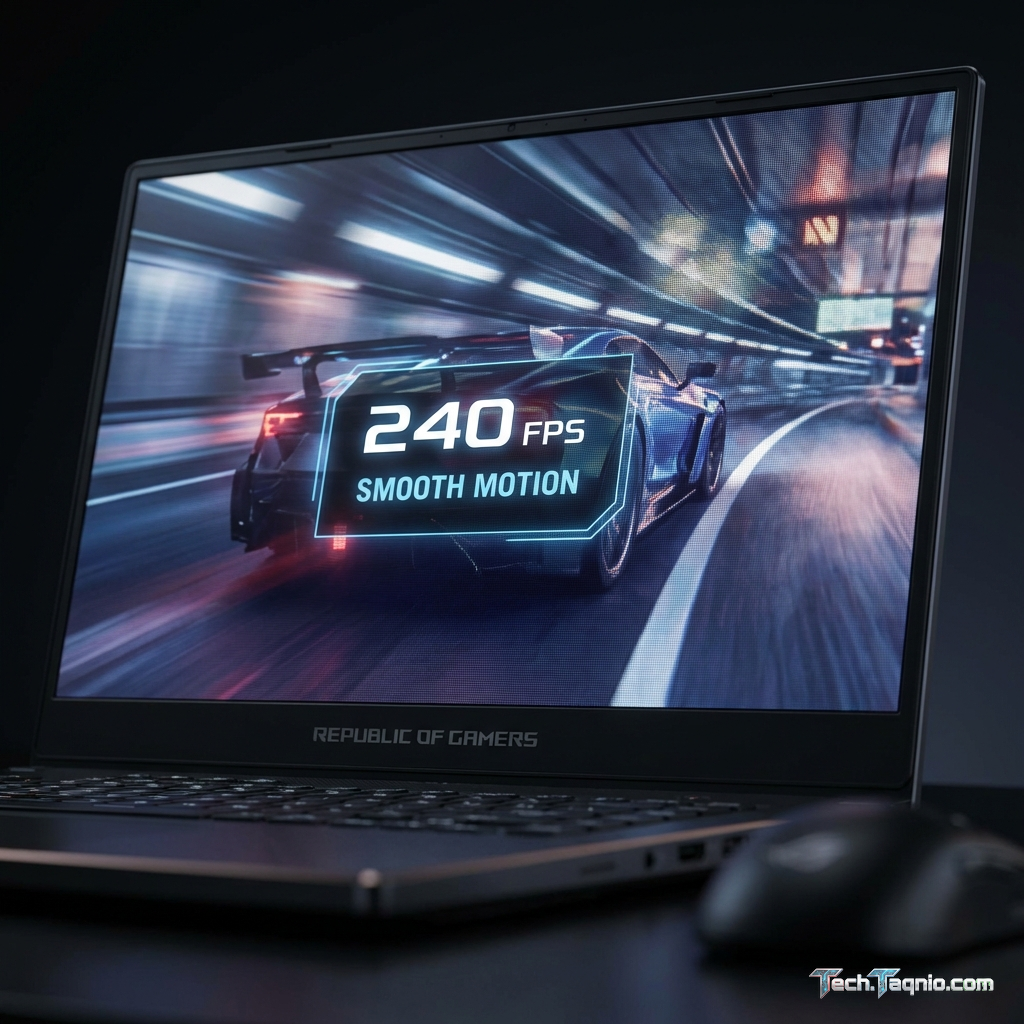
Refresh rate has become one of the most prominent specifications in gaming laptop marketing, with manufacturers
racing to offer increasingly higher numbers. The progression from 60Hz to 144Hz, then 165Hz, 240Hz, and beyond
presents gamers with meaningful choices—and meaningful confusion. Understanding what these numbers actually mean for
your gaming experience separates informed purchases from marketing-influenced decisions.
The relationship between refresh rate, frame rate, and perceived smoothness involves both technical realities and
human perception limits. While higher refresh rates genuinely improve gaming experiences up to a point, diminishing
returns set in, and the value proposition shifts dramatically depending on your gaming style, hardware capability,
and visual sensitivity.
This comprehensive guide explains gaming laptop refresh rates in practical terms. We’ll examine what each refresh
rate tier offers, when upgrading makes sense, and how to match your display choice to your actual gaming needs. By
the end, you’ll understand exactly which refresh rate serves your requirements without overspending on imperceptible
improvements.
I. Understanding Refresh Rate Fundamentals
Before comparing specific refresh rates, understanding the underlying technology clarifies why refresh rate matters
and where its benefits plateau.
What Is Refresh Rate?
Refresh rate measures how many times per second a display updates its image, expressed in Hertz (Hz). A 144Hz display
refreshes 144 times per second, while a 60Hz display refreshes only 60 times. Each refresh can display a new frame
from your GPU, making higher refresh rates capable of showing smoother motion when frame rates match.
The key phrase is “when frame rates match.” A 240Hz display showing 60 FPS content looks identical to a 60Hz display
showing the same content. Refresh rate represents capability, not automatic improvement. Your GPU must generate
frames quickly enough to utilize higher refresh rates.
Refresh Rate vs. Frame Rate
Frame rate (FPS) measures how many frames your GPU renders per second. Refresh rate measures how many frames your
display can show per second. These independent specifications must align for optimal experience.
When frame rate exceeds refresh rate, frames are wasted—your display can’t show them fast enough. When frame rate
falls below refresh rate, the display repeats frames, potentially causing stuttering. Ideally, frame rate
approximately matches or slightly exceeds refresh rate for smooth, tear-free gaming.
Adaptive Sync Technology
G-Sync (NVIDIA) and FreeSync (AMD) synchronize refresh rate to match frame rate dynamically. This eliminates tearing
when frame rates fluctuate below the maximum refresh rate. Adaptive sync makes refresh rate specifications less
rigid, as the display adapts to whatever frame rate your GPU produces.
Most gaming laptops now include adaptive sync support, making variable frame rates visually smooth. However, higher
maximum refresh rates still matter for their upper performance ceiling when your GPU achieves high frame rates.
II. The 60Hz Baseline
Traditional displays and many non-gaming laptops feature 60Hz panels. Understanding this baseline contextualizes what
higher refresh rates improve upon.
60Hz Gaming Experience
60Hz provides adequate smoothness for casual gaming and single-player experiences where frame rate consistency
matters more than maximum smoothness. Many console games target 60 FPS specifically because this rate provides
comfortable visual motion for most content types.
For competitive gaming, 60Hz represents a distinct disadvantage. The 16.67ms interval between frames creates
noticeable motion blur during fast movements. Enemy players moving quickly appear less distinct, and
reaction-demanding moments suffer from the lower update frequency.
Who Should Consider 60Hz
Pure 60Hz gaming laptops have largely disappeared from the market, but budget constraints might force this choice.
60Hz remains acceptable for:
• Casual gamers playing primarily single-player games
• Users prioritizing battery life over gaming performance
• Those pairing weak GPUs that cannot sustain higher frame rates anyway
• Non-gaming laptops occasionally used for gaming
For dedicated gaming laptop purchases, 60Hz should be avoided when possible. The price difference to 144Hz has become
minimal in current markets.
III. 144Hz: The Gaming Standard
144Hz has established itself as the standard gaming refresh rate, offering transformative improvement over 60Hz while
remaining achievable by mid-range hardware.
The 60Hz to 144Hz Jump
The improvement from 60Hz to 144Hz represents the most significant perceptual upgrade in the refresh rate spectrum.
Motion appears dramatically smoother, mouse tracking feels more responsive, and fast-paced gaming becomes noticeably
more comfortable. This 2.4x improvement in refresh frequency creates immediately obvious visual enhancement.
Frame intervals drop from 16.67ms at 60Hz to 6.94ms at 144Hz. This reduction means less motion blur between frames
and faster on-screen response to your inputs. Competitive gamers gain genuine advantages from the increased visual
information rate.
Performance Requirements for 144Hz
Achieving 144 FPS varies dramatically by game type:
| Game Type | RTX 4050 | RTX 4060 | RTX 4070 |
|---|---|---|---|
| Esports (Valorant, CS2) | ✓ Easily | ✓ Easily | ✓ Easily |
| Competitive (Apex, Fortnite) | Medium Settings | ✓ High Settings | ✓ Ultra Settings |
| AAA Games (Medium) | 80-100 FPS | ✓ Achievable | ✓ Easily |
| AAA Games (Ultra) | 60-80 FPS | 80-100 FPS | ✓ Achievable |
Who Benefits Most from 144Hz
144Hz provides excellent value for virtually all gamers. The combination of obvious visual improvement, achievable
performance requirements, and wide availability makes it the default recommendation for gaming laptop purchases.
First-person shooter players, racing game enthusiasts, and competitive gamers particularly benefit from the enhanced
smoothness and responsiveness.
Even if your GPU cannot sustain 144 FPS in all games, adaptive sync ensures smooth experiences at lower frame rates
while providing headroom for less demanding titles where 144 FPS is achievable.
IV. 165Hz: The Subtle Upgrade
Many gaming laptops offer 165Hz as a modest step above 144Hz. Understanding whether this upgrade provides meaningful
benefit helps purchasing decisions.
The 144Hz to 165Hz Difference
The jump from 144Hz to 165Hz represents approximately 14.6% improvement—far less dramatic than the 60Hz to 144Hz
transition. Frame intervals decrease from 6.94ms to 6.06ms, a difference most users cannot perceive in practical
gaming scenarios.
In direct side-by-side comparisons, extremely sensitive viewers might notice marginally smoother motion at 165Hz. In
normal gaming without comparison, the difference becomes essentially imperceptible for most people.
Why 165Hz Exists
165Hz emerged as manufacturers slightly overclocked existing 144Hz panels or developed marginally faster
alternatives. It provides marketing differentiation without significant engineering changes. The specification costs
little extra to implement, allowing manufacturers to claim higher numbers against competitors.
This isn’t criticism—165Hz panels are often identical quality to 144Hz alternatives. The modest improvement exists;
it simply doesn’t justify significant price premiums.
When 165Hz Makes Sense
Choose 165Hz when it comes at no significant price premium over equivalent 144Hz options. Avoid paying extra
specifically for the 21Hz improvement. If comparing otherwise identical laptops where the 165Hz model costs similar
amounts, the small improvement adds marginal value at no meaningful cost.
V. 240Hz: The Competitive Edge
240Hz displays target competitive gamers seeking maximum responsiveness. Understanding whether this investment
delivers valuable returns requires honest assessment of your gaming focus and skill level.
The 144Hz to 240Hz Jump
Moving from 144Hz to 240Hz provides approximately 67% more refreshes per second—a significant technical improvement.
Frame intervals drop from 6.94ms to 4.17ms, delivering noticeably smoother motion in fast-paced scenarios when GPU
performance matches.
Unlike the 144Hz to 165Hz step, 240Hz provides perceptible improvement for most users in direct comparison. Fast
mouse movements, quick camera rotations, and tracking moving targets all appear smoother at 240Hz than 144Hz.
Performance Requirements for 240Hz
Sustaining 240 FPS demands substantial GPU power. Even optimized esports titles require mid-range or better GPUs to
consistently achieve these frame rates. Demanding competitive games like Apex Legends require high-end hardware for
240 FPS at reasonable settings.
For AAA games, 240 FPS remains essentially unachievable on current hardware at quality settings. This limits 240Hz
value to competitive gaming where settings can be reduced for performance.
Who Actually Benefits from 240Hz
240Hz provides genuine value for:
Competitive esports players: Those competing in ranked modes where every frame provides potential
advantage. The investment matters when performance directly impacts competitive outcomes.
High-sensitivity players: Individuals who perceive motion differences that others cannot
distinguish. Visual sensitivity varies significantly between people.
Dedicated FPS enthusiasts: Players focusing primarily on first-person shooters where high frame
rates translate to targeting advantages.
Casual gamers, single-player focused users, and those without hardware capable of 240 FPS gain minimal benefit from
240Hz displays. The investment should match usage patterns.
The Diminishing Returns Reality
Research on human perception suggests most people cannot reliably distinguish frame rates above 150-180 FPS in
practical gaming scenarios. While some individuals demonstrate higher sensitivity, average users receive more value
from improvements in other display characteristics than chasing maximum refresh rates.
VI. 300Hz and 360Hz: Extreme Refresh Rates
Premium gaming laptops now offer 300Hz and 360Hz displays targeting professional esports use cases.
Technical Improvements
360Hz reduces frame intervals to just 2.78ms, theoretically providing the fastest possible visual updates. The
improvement over 240Hz amounts to approximately 50% more refreshes—technically significant but approaching
perceivable limits.
Practical Considerations
Achieving 360 FPS requires either extremely optimized esports titles at reduced settings or impossibly powerful
hardware for typical games. Even in Counter-Strike 2 (historically easy to run), sustaining 360 FPS demands top-tier
mobile GPUs.
These extreme refresh rates exist for professional esports players where equipment sponsors cover costs and every
potential advantage matters. For general gaming purchases, the premium pricing rarely justifies the marginal
improvement most users perceive.
When Extreme Refresh Rates Make Sense
Consider 300Hz+ displays if:
• You compete professionally or semi-professionally in esports
• Budget is genuinely not a constraint
• You’ve tested 240Hz vs 300Hz+ and perceive meaningful differences
• You primarily play optimized competitive titles where achieving matching frame rates is feasible
For most users, funds better spent on GPU upgrades, display quality improvements, or other system components provide
greater practical value than extreme refresh rates.
VII. Panel Response Time Matters Too
Refresh rate tells only part of the story. Response time determines how quickly pixels actually change colors between
frames, affecting motion clarity independently of refresh rate.
Understanding Response Time
Response time measures the time required for pixels to transition between colors, typically quoted as gray-to-gray
(GTG) transitions. Slow response times cause ghosting—visible trails behind moving objects—regardless of refresh
rate.
A 240Hz display with slow response time may appear worse during motion than a 144Hz display with fast response time.
The interaction between specifications matters more than individual numbers.
Response Time Specifications to Seek
1-3ms GTG: Excellent response time suitable for competitive gaming. Motion appears crisp with
minimal ghosting.
4-6ms GTG: Acceptable for most gaming scenarios. Some motion blur may appear during extreme
movements but remains minimal.
7ms+ GTG: Potentially problematic for fast-paced gaming. Noticeable ghosting may occur during rapid
camera movements.
Marketing vs. Reality
Manufacturers often quote optimistic response times using favorable testing conditions. “1ms response time” marketing
frequently doesn’t reflect actual panel behavior. Independent reviews measuring actual response times provide more
reliable performance expectations.
VIII. Making Your Refresh Rate Decision
Synthesizing all considerations into a practical decision framework:
Budget Gaming ($700-$1000)
Recommendation: 144Hz
At budget price points, 144Hz provides the optimal balance. GPU power in this range typically achieves 144 FPS in
competitive games while struggling for higher rates. The 60Hz to 144Hz improvement is transformative; additional
refresh rate gains provide diminishing returns.
Mid-Range Gaming ($1000-$1500)
Recommendation: 144Hz or 165Hz
Mid-range GPUs occasionally exceed 144 FPS, making 165Hz reasonably useful. Don’t pay significant premiums for 165Hz,
but accept it when offered at comparable pricing. Focus budget on GPU capability rather than display refresh rate in
this tier.
High-End Gaming ($1500-$2500)
Recommendation: 165Hz or 240Hz for competitive gamers
Hardware capability at this tier can sustain higher frame rates. Competitive gamers benefit from 240Hz investment,
while casual/single-player gamers receive more value from display quality improvements (OLED, QHD resolution) than
maximum refresh rates.
Enthusiast Gaming ($2500+)
Recommendation: Match to gaming focus
Enthusiast budgets accommodate specialized choices. Professional competitive focus justifies 300Hz+. Visual immersion
focus benefits from high-refresh OLED. Hardware capability no longer limits options; personal preference determines
optimal choice.
IX. Refresh Rate and Display Technology Considerations
Modern gaming laptops pair various refresh rates with different panel technologies, creating additional decision
factors.
High-Refresh IPS vs. OLED
OLED displays now reach 240Hz in premium gaming laptops, challenging the traditional assumption that high refresh
rates require IPS panels. OLED offers infinite contrast, perfect blacks, and superior color—potentially more
valuable than maximum refresh rates for appropriate use cases.
A 120Hz OLED display may provide better overall visual experience than a 240Hz IPS panel depending on priorities.
Consider what actually matters for your gaming rather than maximizing individual specifications.
Resolution and Refresh Rate Trade-offs
Higher resolutions demand more GPU power, limiting achievable frame rates. A 1440p 165Hz display may provide worse
practical experience than a 1080p 240Hz display if your GPU cannot sustain 165 FPS at 1440p but easily achieves 240
FPS at 1080p.
Match resolution and refresh rate choices to your hardware capability. The best display specifications mean nothing
if your GPU cannot drive them effectively.
X. Conclusion
Gaming laptop refresh rate selection should match actual needs rather than marketing aspirations. The 144Hz standard
provides excellent value for virtually all gamers, delivering transformative improvement over 60Hz while remaining
achievable by mid-range hardware.
165Hz offers marginal improvement worth accepting when free but not worth premium pricing. 240Hz provides genuine
competitive benefits for dedicated FPS players with hardware capable of matching frame rates. Extreme refresh rates
above 240Hz serve niche professional needs poorly aligned with general gaming purchases.
Consider your GPU capability, gaming preferences, and budget allocation when selecting refresh rate. Money spent on
refresh rates beyond what your hardware can drive would often be better invested in stronger GPUs, improved display
quality, or other system components.
The best gaming laptop display balances refresh rate against other qualities—panel technology, color accuracy,
resolution, and response time all contribute to visual satisfaction. A holistic approach to display selection
outperforms pure refresh rate maximization.
For more guidance on gaming laptop displays, explore our articles on IPS vs OLED vs Mini-LED
display technology and how to choose the right
gaming laptop.