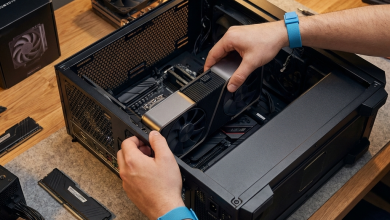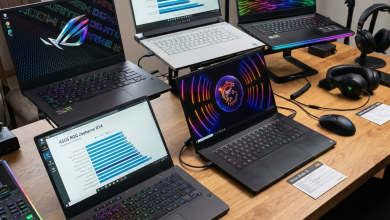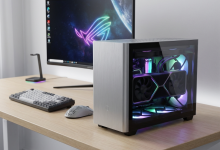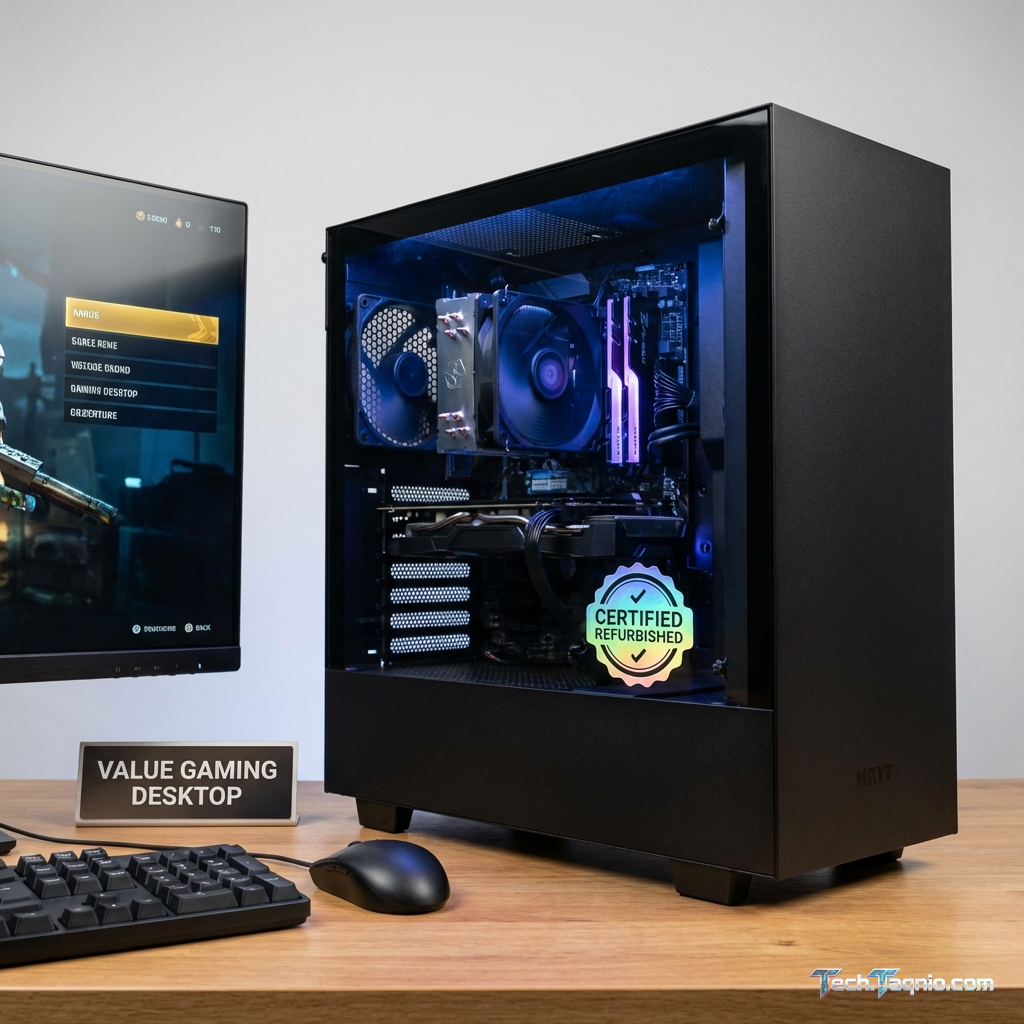
The gaming PC market presents a challenging financial reality: building or buying a capable gaming system requires
significant investment, often exceeding $1,500 for mid-range configurations. Refurbished gaming PCs offer a tempting
alternative, promising substantial savings on quality hardware. But the refurbished market carries real risks
alongside potential rewards, making careful consideration essential before purchasing.
Understanding what “refurbished” actually means reveals the complexity behind this seemingly simple label. The term
encompasses everything from factory-recertified systems with comprehensive testing and new component warranties to
hastily wiped machines sold “as-is” by unknown sellers. These vastly different products carry the same label but
deliver dramatically different experiences and value.
This comprehensive guide examines the refurbished gaming PC market in 2026, helping you understand what to look for,
where to buy, how to evaluate condition and value, and when refurbished purchasing makes sense versus building or
buying new.
I. Understanding Refurbished Categories
The refurbished market includes several distinct product categories, each with different implications for buyers.
Understanding these categories prevents unpleasant surprises and helps identify genuine value.
Manufacturer Refurbished
Manufacturer refurbished systems return to the original manufacturer for testing, repair, and recertification.
Companies like Dell, HP, and Lenovo operate dedicated refurbishment facilities that restore systems to original
specifications. These products typically include new warranties (often 90 days to one year), professional packaging,
and comprehensive testing before resale.
The reasons systems return vary: customer returns during satisfaction guarantee periods, minor cosmetic defects
during manufacturing, overstock from retailers, or corporate lease returns. Manufacturer refurbishment addresses any
identified issues, replaces failed components with genuine parts, and verifies functionality before resale. This
process provides reasonable confidence in system reliability.
Manufacturer refurbished products typically sell for 15-30% below original retail pricing, with discounts varying
based on remaining product lifecycle. Recently discontinued models may offer better discounts than
current-generation products, as manufacturers prioritize clearing inventory.
Certified Refurbished
Certified refurbished products come from authorized third-party refurbishers meeting specific quality standards.
Microsoft’s Authorized Refurbisher program, for example, requires partners to maintain certification, follow
specific refurbishment procedures, and provide minimum warranty coverage. These programs provide quality assurance
without direct manufacturer involvement.
Amazon Renewed, Best Buy Outlet, and similar retail programs operate their own certification standards. Products sold
through these programs undergo testing and inspection, with retailers providing warranty coverage and return
policies. Quality varies more than manufacturer refurbishment but generally exceeds private seller purchases.
Pricing typically falls between manufacturer refurbished and private sales, offering 20-40% discounts from retail
depending on product age and condition.
Seller Refurbished
Seller refurbished products undergo refurbishment by individual sellers or small businesses without formal
certification programs. Quality varies dramatically depending on seller knowledge, investment in refurbishment, and
honesty in product descriptions. Some seller-refurbished systems receive thorough testing and component replacement,
while others simply receive a fresh Windows installation and cosmetic cleaning.
Platforms like eBay and Facebook Marketplace include seller-refurbished listings ranging from professional operations
to individual sellers. Buyer protection varies by platform; eBay’s Money Back Guarantee provides reasonable
protection against misrepresentation, while direct transactions offer minimal recourse if problems arise.
Discounts reach 40-60% from retail but carry proportionally higher risk. Due diligence, including seller history
review, detailed questioning, and inspection upon receipt, becomes essential for successful purchases.
Used (Not Refurbished)
Used systems sell in their current condition without specific refurbishment efforts. Sellers may describe system
specifications and functionality but haven’t performed restoration work. These products offer the lowest prices but
highest uncertainty—components may be near end-of-life, undisclosed damage may exist, and no warranty coverage
applies.
Used purchases make sense for knowledgeable buyers comfortable assessing component condition and performing necessary
repairs or replacements. The price difference between “used” and properly refurbished should reflect the work and
risk involved in bringing used systems to reliable operating condition.
II. Evaluating Refurbished Gaming PCs
Successful refurbished purchasing requires careful evaluation of both the system specifics and the seller offering
it. The following framework helps identify quality products while avoiding problematic purchases.
Component Age Considerations
Gaming hardware ages differently across component categories. Understanding component lifecycles helps evaluate
whether a refurbished system offers genuine value or represents false economy.
Graphics cards represent the most rapidly depreciating gaming component. GPU generations typically span two years,
with meaningful performance improvements each cycle. A three-year-old GPU may struggle with contemporary games at
acceptable settings, limiting the system’s useful gaming lifespan. The NVIDIA GeForce RTX 30 series, while still
capable, shows age against modern titles demanding ray tracing and higher resolutions. Refurbished systems built
around RTX 20 series or older cards provide limited future value despite current playability.
Processors depreciate more slowly, with modern CPUs remaining competitive for 4-6 years in gaming applications. Intel
12th and 13th generation processors, along with AMD Ryzen 5000 series, continue delivering excellent gaming
performance in 2026. Systems built around these processors, particularly with upgradeable GPU slots, may offer
compelling value.
Storage and memory typically survive system lifecycles intact. NVMe SSDs maintain performance for many years under
normal use, though capacity requirements grow annually. DDR4 memory remains functional indefinitely but limits
upgrade paths on systems designed for newer DDR5 standards.
Power supplies and cooling components age mechanically. Fans accumulate dust, bearings wear, and capacitors degrade
over time. Refurbished systems older than 3-4 years may require PSU or cooler replacement to ensure reliability,
factors to consider when calculating total cost of ownership.
Specification Verification
Verifying specifications protects against misrepresentation, whether intentional or accidental. Before finalizing any
refurbished purchase, confirm key specifications match the listing.
GPU verification ensures the installed graphics card matches advertised specifications. Some sellers misrepresent GPU
models, particularly when model numbers are similar (RTX 3070 versus RTX 3070 Ti, for example). GPU-Z’s validation
feature confirms genuine NVIDIA and AMD cards by comparing BIOS signatures against authentic databases.
CPU verification confirms processor model and specifications. CPU-Z displays detailed processor information including
code names, lithography, and supported instruction sets. This information reveals whether a system contains the
advertised processor or a similar but inferior model.
Memory verification checks both capacity and speed. Systems may contain fewer modules than advertised, slower-rated
memory, or mismatched modules affecting dual-channel operation. CPU-Z’s memory tab reveals configuration details
while stress testing confirms stability.
Storage verification confirms drive capacity, interface type, and health status. Tools like CrystalDiskInfo read
SMART data indicating drive health, power-on hours, and potential concerns. High power-on hours suggest heavy
previous use, though SSD wear leveling typically ensures reliability well beyond most gaming usage patterns.
Condition Assessment
Physical condition affects both aesthetics and potential reliability concerns. Cosmetic damage may indicate rough
handling that could have affected internal components.
Exterior inspection should note scratches, dents, cracks, and missing pieces. Minor cosmetic wear typically presents
no functional concern but major damage—cracked cases, bent panels, missing vents—may indicate impact events that
damaged internal components.
Interior inspection (when possible) reveals dust accumulation, corrosion, and component installation quality. Heavy
dust accumulation suggests poor storage conditions and potential thermal performance concerns. Corrosion on
components indicates moisture exposure that may compromise reliability.
Functional testing should verify all ports, audio outputs, network connections, and peripherals. Testing often
reveals issues that listings don’t disclose, whether through seller oversight or intentional omission.
III. Trusted Refurbished Sources
Where you purchase significantly impacts both product quality and buyer protection. The following sources offer
varying levels of reliability and recourse if problems arise.
Manufacturer Outlets
Dell Outlet, HP Renew, and Lenovo Outlet sell manufacturer-refurbished systems directly. These outlets offer maximum
reliability within the refurbished market, with standardized refurbishment processes, genuine parts, original
warranty coverage, and manufacturer support access.
Dell Outlet particularly excels for gaming systems, offering Alienware and gaming-focused Dell G-series systems at
meaningful discounts. Products include the same warranty coverage as new purchases (extendable at additional cost)
and full access to Dell support resources. Inventory changes frequently as corporate returns and customer returns
flow through processing.
HP Renew offers certified refurbished OMEN gaming systems alongside mainstream HP products. The HP Certified
Refurbished program includes multi-point inspection, cosmetic restoration, and minimum 90-day warranty coverage.
Pricing typically runs 20-30% below new equivalent configurations.
Lenovo Outlet provides Legion gaming laptops and desktops through their official outlet store. Products receive
comprehensive testing and standard Lenovo warranty coverage. The outlet frequently runs additional sales during
holiday periods, potentially stacking discounts for substantial savings.
Retail Refurbished Programs
Amazon Renewed offers refurbished products from Amazon-vetted suppliers with Amazon-backed warranty coverage.
Products must meet functionality requirements and pass inspection before listing. Amazon’s return policy applies,
providing easy recourse if products don’t meet expectations.
The Amazon Renewed Guarantee covers products for 90 days (one year for Amazon Renewed Premium products), with
replacement or refund provided for non-functional items. Seller ratings and customer reviews provide additional
insight into specific product conditions and seller reliability.
Best Buy Outlet sells open-box and manufacturer-refurbished products with Best Buy return policy coverage. Open-box
products often differ minimally from new units—customer returns still in original packaging, display models, or
minor cosmetic variations. These products may represent the best value, offering nearly-new condition at reduced
pricing.
Newegg offers refurbished components and systems through their platform, though quality varies more than dedicated
outlet programs. Newegg’s return policy provides buyer protection, but individual seller reputation research remains
important for marketplace listings.
Specialized Refurbishers
Specialized gaming PC refurbishers focus specifically on gaming systems, often with expertise exceeding general
electronics refurbishers. These companies may upgrade components during refurbishment, install current software, and
provide gaming-specific testing.
Companies like PCS and similar regional specialists test systems under gaming load, verify thermal performance, and
ensure systems meet advertised specifications. Some refurbishers offer component upgrades during the refurbishment
process—adding RAM, upgrading storage, or installing current-generation graphics cards into capable chassis.
The trade-off involves less standardization than major manufacturer programs. Research specific company reputation
through reviews and community discussion before purchasing. Warranty terms and return policies vary by company,
requiring careful review before purchase.
Marketplace Purchasing
Platforms like eBay, Facebook Marketplace, and Craigslist offer individual and small business listings. These
platforms provide widest selection and potentially lowest prices, but buyer responsibility for evaluation and
protection increases substantially.
eBay’s Money Back Guarantee provides protection against items not matching descriptions, with eBay arbitrating
disputes when sellers and buyers disagree. Seller ratings and feedback history indicate reliability; established
sellers with thousands of transactions and high ratings present lower risk than new accounts.
Facebook Marketplace and Craigslist enable local pickup, allowing in-person inspection before purchase. Meeting in
public locations, testing systems thoroughly before payment, and using platform payment protection (where available)
reduce but don’t eliminate risk.
Private transactions offer no warranty whatsoever. Any problems discovered after purchase become the buyer’s
responsibility unless explicit agreements specify otherwise. This reality should factor into price
negotiations—significant discounts compensate for assumed risk.
IV. Calculating True Value and Total Cost
Comparing refurbished pricing to alternatives requires calculating total ownership cost rather than simple purchase
price comparison. Several factors affect true value beyond the sticker price.
Upgrade Path Considerations
Refurbished systems may limit future upgrades based on platform age and specification ceilings. A system using older
DDR4 memory and previous-generation motherboard chipsets cannot upgrade to current processors or DDR5 memory,
regardless of remaining component lifespan.
Evaluate the CPU upgrade path—can the motherboard support faster processors in the same socket family? Intel and AMD
regularly support multiple processor generations on the same socket, potentially extending system life through
processor upgrades. However, end-of-line sockets offer no future upgrade potential regardless of current capability.
GPU upgrade capability depends primarily on power supply capacity and physical space. Verify the PSU provides
sufficient wattage for potential future graphics card upgrades—a 500W power supply limits options to mid-range cards
regardless of other system specifications. Case dimensions and slot configurations also constrain upgrade options.
Warranty Value Calculation
Warranty coverage represents tangible value, potentially offsetting price differences between refurbished sources. A
manufacturer-refurbished system with one-year warranty provides protection that private purchases lack entirely.
Calculate the implicit warranty value by considering repair costs. If a graphics card fails in the first year,
replacement might cost $400-$800 depending on the model. The probability of failure isn’t high with quality
refurbishment, but the warranty eliminates that financial risk entirely.
Extended warranty options may apply to refurbished purchases. Manufacturer outlet purchases often allow warranty
extension at standard rates. Third-party warranty services like Allstate, Asurion, or SquareTrade may cover
refurbished purchases, though terms and coverage vary.
Immediate Upgrade Costs
Some refurbished systems require immediate upgrades to meet current gaming requirements. Adding these costs to the
purchase price reveals true ownership cost.
Storage capacity frequently requires attention in older systems. Games now commonly exceed 100GB; a 256GB or 512GB
SSD may require immediate expansion. NVMe SSD prices have dropped substantially, making 1TB upgrades affordable, but
budget appropriately.
Memory capacity may need doubling for current games. Older systems with 8GB RAM require upgrades to 16GB minimum for
comfortable gaming. DDR4 pricing makes this affordable, typically $30-$50 for 8GB additional capacity.
Cooling component replacement ensures thermal reliability. Replacing fans and thermal paste costs approximately
$20-$40 in parts and provides peace of mind regarding component longevity.
V. When Refurbished Makes Sense (and When It Doesn’t)
Refurbished purchasing offers genuine value in specific circumstances while presenting false economy in others.
Understanding these scenarios helps make appropriate decisions.
Good Candidates for Refurbished
Entry-level gamers with modest requirements benefit significantly from refurbished purchasing. Systems capable of
running popular esports titles at high frame rates cost substantially less refurbished than new. Games like League
of Legends, Valorant, Counter-Strike 2, and Fortnite run well on 3-4 year old hardware, making refurbished systems
appropriate for these use cases.
Budget-constrained buyers stretching limited funds find refurbished systems provide more capability per dollar than
new alternatives. The 30-50% savings enables purchasing more capable hardware than budget would otherwise allow.
Secondary systems for family members, spare room setups, or occasional use justify refurbished spending when new
systems feel excessive. These systems don’t require cutting-edge performance or long-term upgrade potential, making
value-focused purchasing appropriate.
Technical users comfortable with evaluation, testing, and potential repairs extract maximum value from refurbished
purchases. The ability to identify problems, assess component condition, and perform necessary maintenance reduces
risk inherent in used hardware.
Poor Candidates for Refurbished
Demanding gamers seeking maximum performance and longevity typically find limited value in refurbished systems.
Current-generation hardware delivers meaningful improvements over previous generations, and saving money on older
systems often results in earlier replacement necessity.
Users requiring warranty confidence benefit from new system purchases. While refurbished warranties exist, they
typically offer shorter coverage periods and may involve more involved claims processes. The peace of mind from
comprehensive new system warranties provides value beyond strict financial calculation.
Non-technical users unfamiliar with component evaluation face elevated risk in refurbished purchasing. Without
ability to verify specifications, assess condition, and troubleshoot issues, these buyers may encounter problems
they cannot identify or resolve.
Users planning extensive upgrades may find new platforms more economical. Purchasing a refurbished system requiring
immediate GPU and storage upgrades may cost more than building a new system with appropriate components from the
start, while providing worse upgrade paths.
VI. Refurbished Purchasing Checklist
Before completing any refurbished gaming PC purchase, work through this comprehensive checklist to maximize success
probability.
Before Purchase
- Research fair market value for equivalent new systems
- Calculate all required upgrades and their costs
- Verify seller reputation through reviews and ratings
- Review warranty terms and return policy
- Clarify what “refurbished” means from this specific seller
- Confirm detailed specifications (not just “gaming PC”)
- Ask about component replacement during refurbishment
- Understand payment protection available through the platform
Upon Receipt
- Document packaging condition before opening
- Photograph system from multiple angles before powering on
- Verify exterior matches listing description
- Run specification verification tools (GPU-Z, CPU-Z, CrystalDiskInfo)
- Compare verified specs against listing claims
- Test all ports, audio outputs, and connections
- Run stress tests (Prime95, FurMark) to verify stability
- Game for extended session to confirm gaming performance
After Purchase
- Update all drivers to current versions
- Install Windows updates completely
- Consider fresh Windows installation if concerned about previous use
- Monitor temperatures under load during early use
- Register warranty if applicable
- Document purchase details for future reference
VII. Conclusion
Refurbished gaming PCs offer genuine value for knowledgeable buyers willing to accept certain trade-offs. The 30-50%
savings compared to new systems enables access to better hardware for budget-constrained gamers, while manufacturer
outlet programs provide quality assurance that minimizes risk.
Success in refurbished purchasing requires understanding product categories, evaluating seller reliability, verifying
specifications, and calculating true total cost including necessary upgrades and warranty value. The additional
effort rewards careful buyers with significant savings on quality hardware.
Manufacturer outlets represent the safest refurbished purchases, combining guaranteed quality with warranty coverage
and support access. Certified refurbished programs from major retailers offer similar assurance with easier shopping
experiences. Private marketplace purchases offer lowest prices but require thorough evaluation and acceptance of
higher risk.
For budget-focused gaming, refurbished systems make excellent sense—the money saved purchases more gaming capability
than new budget alternatives. For performance-focused gaming prioritizing longevity and future-proofing, new systems
typically provide better value despite higher initial cost.
For more information on building your own system, check our complete PC
building guide and compare options with our pre-built gaming PC
recommendations.